
The Sedgwick County Daily Docket
DC18 posts a daily docket page that lists the day's hearings. The page refreshes once every 15 minutes, so a setting added in the morning can show up the same day. Each line names a case and a scheduled event. The court treats this as a public schedule for private use, subject to Kansas law.
The daily docket is the fastest way to confirm whether a case is on for today. It does not replace the case file, and it can change as judges add or move hearings. Because the court is large, with 30 district judges and one magistrate judge, the daily list can run long, which is why the 15-minute refresh matters. A hearing reset in the morning will not show on a copy you printed the night before. Treat the page as a live tool, not a fixed record. The official daily docket page is shown below from DC18 docket information.
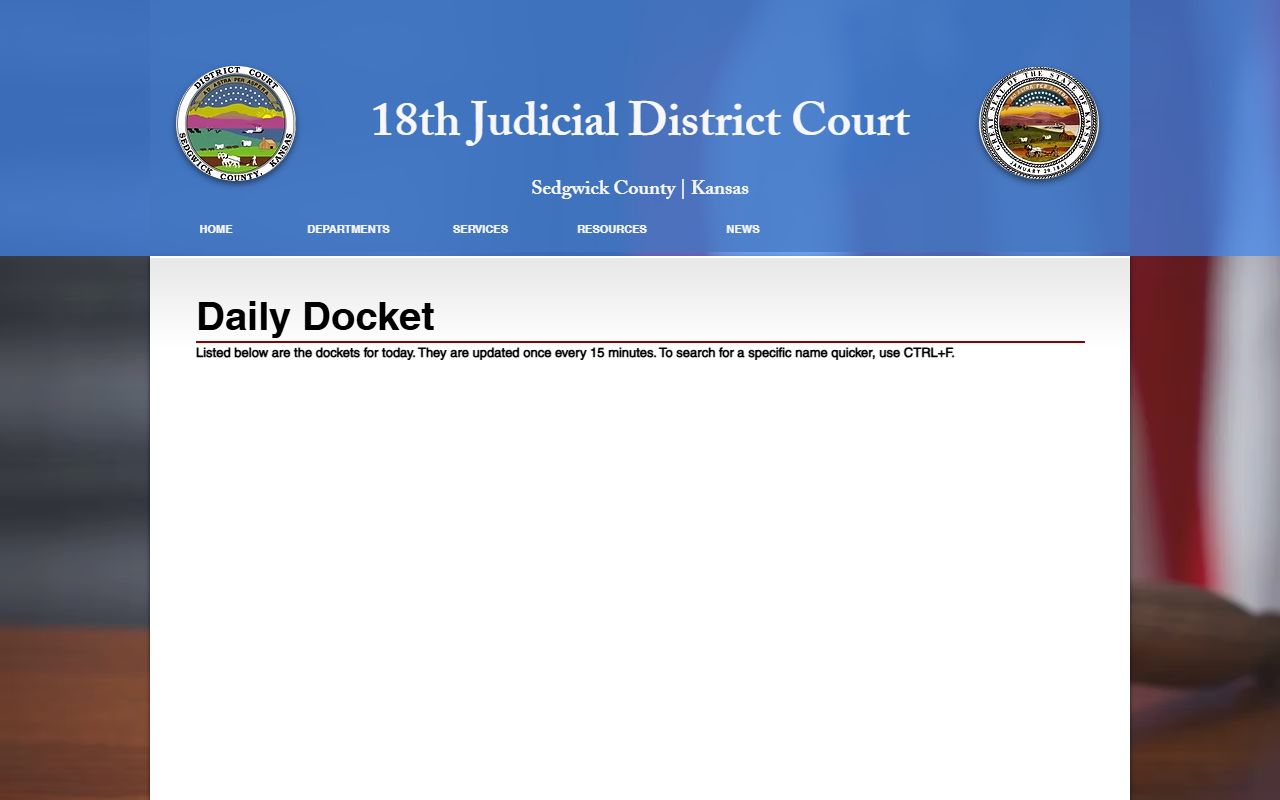
The page also reminds users to use the browser find tool to jump straight to a name.
How to Search a Sedgwick County Docket
The docket pages are long, so DC18 suggests a simple trick. Open the daily docket, then press CTRL and F together to bring up your browser's find box. Type a last name or case number and the page jumps to each match. This beats scrolling line by line.
- Open the DC18 daily docket or the calendar for the case type.
- Press CTRL+F, or Command+F on a Mac, to open find.
- Type the party last name or the case number.
- Step through the matches to find the date, time, and courtroom.
- Move to the full record for filings and outcomes.
For the underlying case file, use the Sedgwick County court records portal rather than the docket alone.
Seven-Day Calendars by Case Type
Beyond today's list, DC18 publishes calendars that look ahead about seven days. They are split by case type so you can find the right courtroom faster. The court schedule page links each one as a PDF and also posts cases filed on the previous work date and limited docket hearing results. This split mirrors the court's departments, so a divorce hearing sits on the family calendar while a speeding case sits on the criminal, traffic, and juvenile calendar. If you are not sure which list to open, start with the case type code on your notice or look the case up first in the records portal.
| Calendar | Covers | Format |
|---|---|---|
| Criminal, Traffic, Juvenile | Next 7 days | PDF link |
| Civil Daily Calendar | Next 7 days; prior results also linked | PDF link |
| Family Law Daily Calendar | Next 7 days | PDF link |
| Probate Daily Calendar | Next 7 days | PDF link |
The court schedule hub is shown below from the DC18 court schedule page.
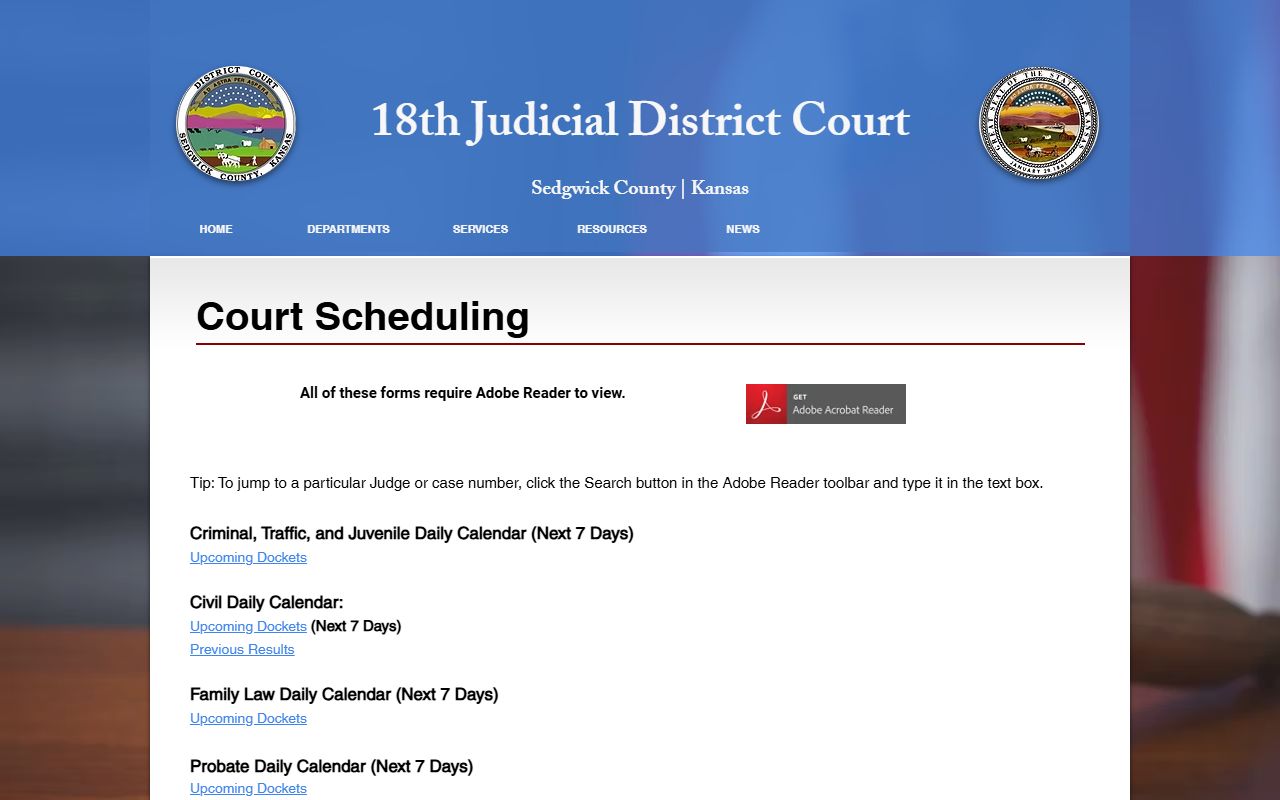
Each link opens the current calendar for that division of the Sedgwick County court.
Which Judges and Divisions Post Dockets
Dockets tie to judges and divisions. DC18 lists 30 district judges and one magistrate judge across civil, criminal, family, probate, and juvenile assignments. Knowing the division helps you read a docket, since the same name can appear in more than one case type. The judges and divisions page maps each judge to a courtroom and case area.
That directory is shown here from the DC18 judges and divisions page.
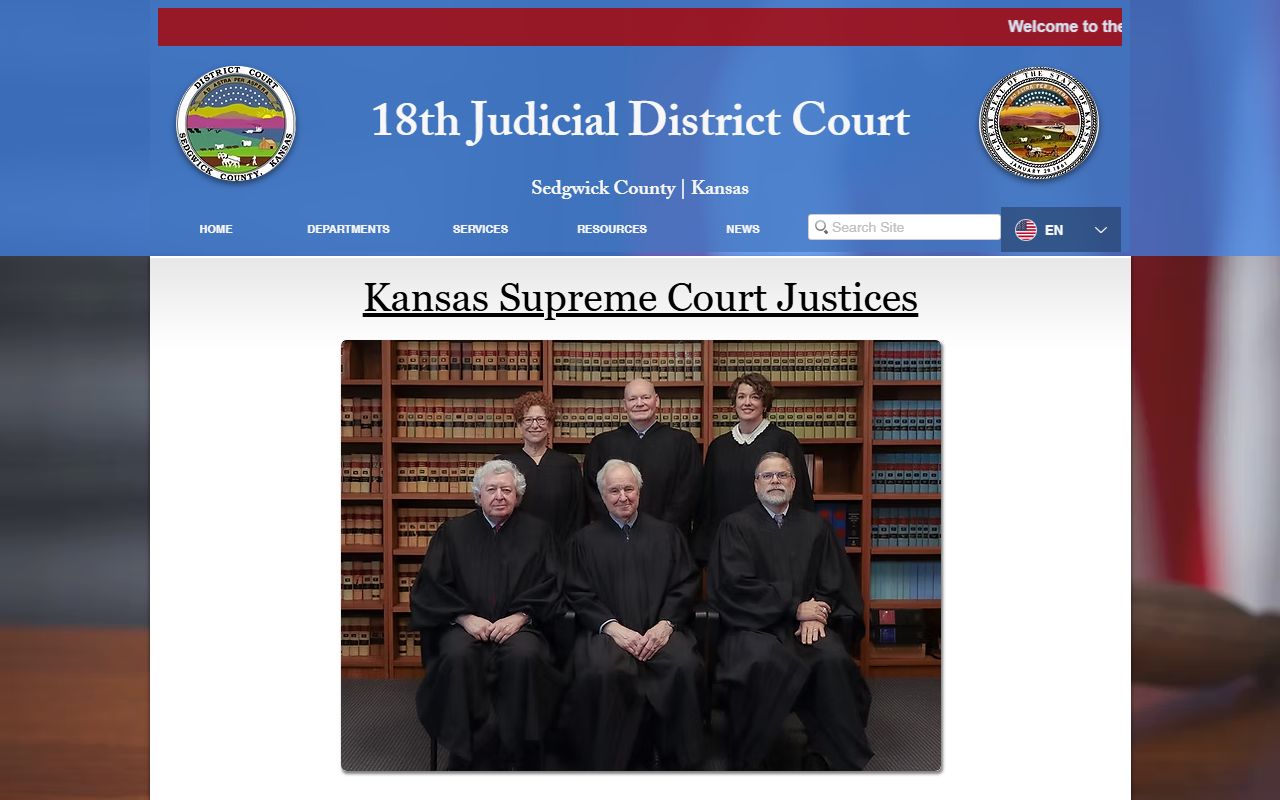
Use it to match a docket entry to the right division before you head to the courthouse. The chief judge controls case assignments and oversees the clerical side of the court, and about 240 non-judicial staff keep the dockets, files, and calendars moving. Court reporters, clerks, and court service officers all play a part. When a docket entry lists a division number, that number points to a specific judge and courtroom, which is why the divisions page is worth a quick check.
What a Sedgwick County Docket Entry Shows
A docket line is short but useful. It usually lists a case number, the parties, the hearing type, the date and time, and the courtroom or judge. It does not show the content of pleadings or the judge's reasoning. For that, you read the filed documents in the full case record.
| Docket Field | What It Shows |
|---|---|
| Case Number | Links the entry to the full case file. |
| Parties | Names on the case, by role. |
| Hearing Type | Trial, motion, arraignment, review, or status. |
| Date / Time | When the event is set. |
| Courtroom / Judge | Where and before whom. |
Note: A docket can change up to the last minute, so confirm a setting on the day of the hearing rather than relying on an older print.
Docket Fees in Sedgwick County
Filing a case carries a docket fee set by state law and Supreme Court order. DC18 posts a printable docket-fee schedule and notes the period it covers. The page cites K.S.A. 20-3129 for added Sedgwick County docket-fee authority and says surcharge amounts trace back to a 2017 Supreme Court order. Fees differ by case type, so check the schedule for your category.
The docket-fee page is shown here from DC18 docket fees.
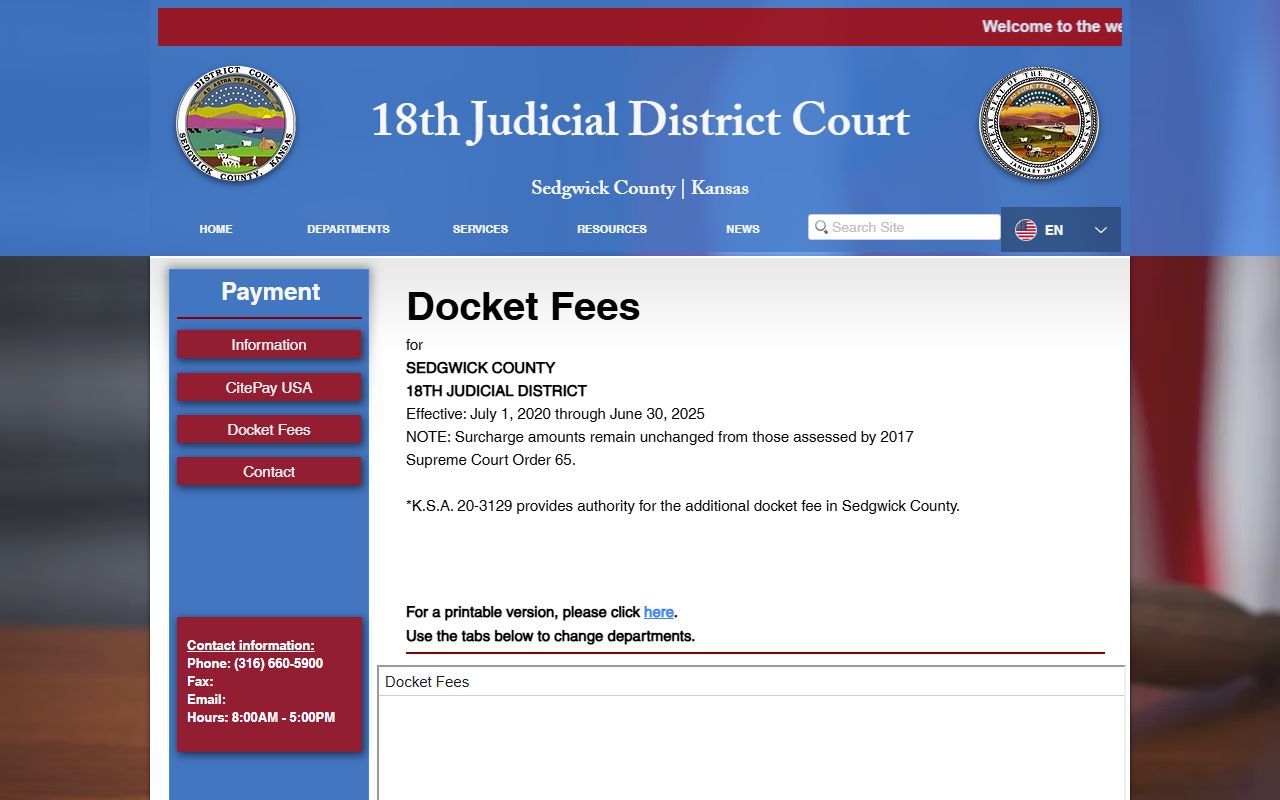
Docket fees are separate from copy and certification fees charged by the Records Department. A fee waiver, called a poverty affidavit, may be available for those who qualify, though that affidavit itself is not a public portal document. If a fee question affects whether you can file, ask the clerk about the waiver before your filing deadline passes.
Docket Limits and Federal Cases
Local dockets cover state cases only. Federal matters from Wichita do not appear on the DC18 calendars. Those run through the U.S. District Court for the District of Kansas and post in PACER, the federal electronic records system. Sealed and restricted state cases also stay off the public docket under court rule.
The federal records system is shown below from PACER.
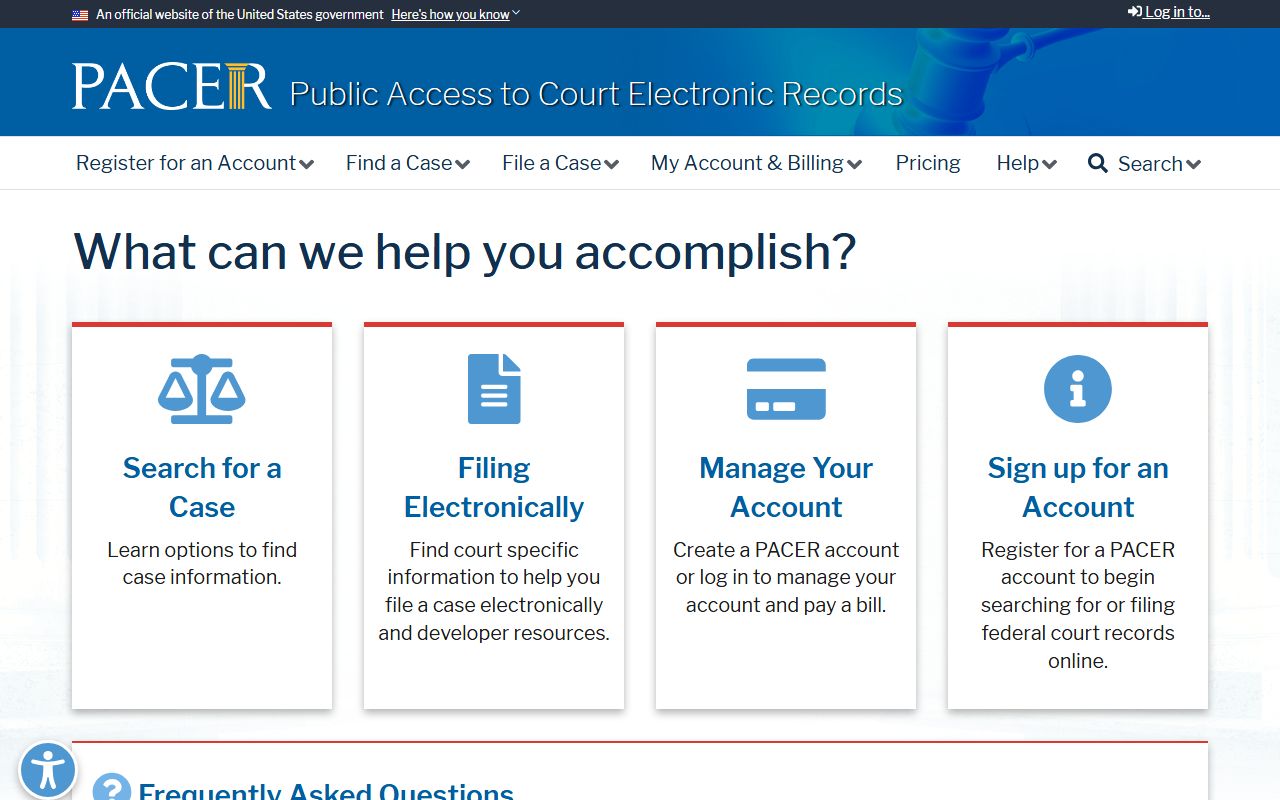
For federal dockets tied to the District of Kansas, register with PACER; for state hearings, stay with the DC18 calendars. Keep in mind that a docket is published for personal use only. Kansas court rules limit bulk collection and the resale of compiled court data, and the records portal uses a robot check for the same reason. A docket also will not show a case that a judge has sealed, so a missing entry does not always mean a case is closed or never existed.
Court Dockets vs Full Case Records
People often use the words docket and record to mean the same thing, but in Sedgwick County they are different tools. The docket is the calendar and the running index of events. It tells you when a case is set and what kind of hearing is coming. The full case record is the stack of filings behind those events, including the pleadings, motions, orders, and the final judgment. You start with the docket to find the case and the date, then you open the record to read what actually happened. The docket is published quickly and changes often. The record is the official, lasting account, and only the Records Department can certify a copy from it.
| Feature | Court Docket | Full Case Record |
|---|---|---|
| Purpose | Schedule and event index | Complete case file |
| Detail | Date, time, courtroom, hearing type | Filings, orders, exhibits, judgment |
| Updates | Every 15 minutes on the daily page | As documents are filed and processed |
| Certified copy | Not certified | Available from the Records Department |
So a docket answers when and where, while the record answers what and why. Most people need both in turn, the docket to confirm a date and the record to read the result. For the record side, the Sedgwick County court records page walks through the portal and the request process, including how to ask the Records Department for a certified copy.
Reading Hearing Types on a Docket
Docket entries use short labels for the kind of hearing. Knowing them helps you judge how far along a case is and whether the date is worth attending. A first appearance or arraignment is early in a criminal case. A motion hearing deals with a specific request. A trial is the main event, and a review or status check is a follow-up. Small claims has its own rhythm, with trials and motions set in the early afternoon and order-in-aid matters a bit later.
- Arraignment
- Early criminal hearing where charges are read and a plea may be entered.
- Motion hearing
- A hearing on a written request asking the judge to act.
- Trial
- The hearing where the case is decided by a judge or jury.
- Review / status
- A check-in on progress, compliance, or scheduling.
Jury settings carry their own rules. The court explains that felony juries seat 12 members and misdemeanor juries seat 6, with a unanimous verdict required. Civil juries are usually 12, and 10 can reach a verdict unless the parties agree to fewer. A docket that lists a jury trial signals a longer, more involved setting than a routine motion.